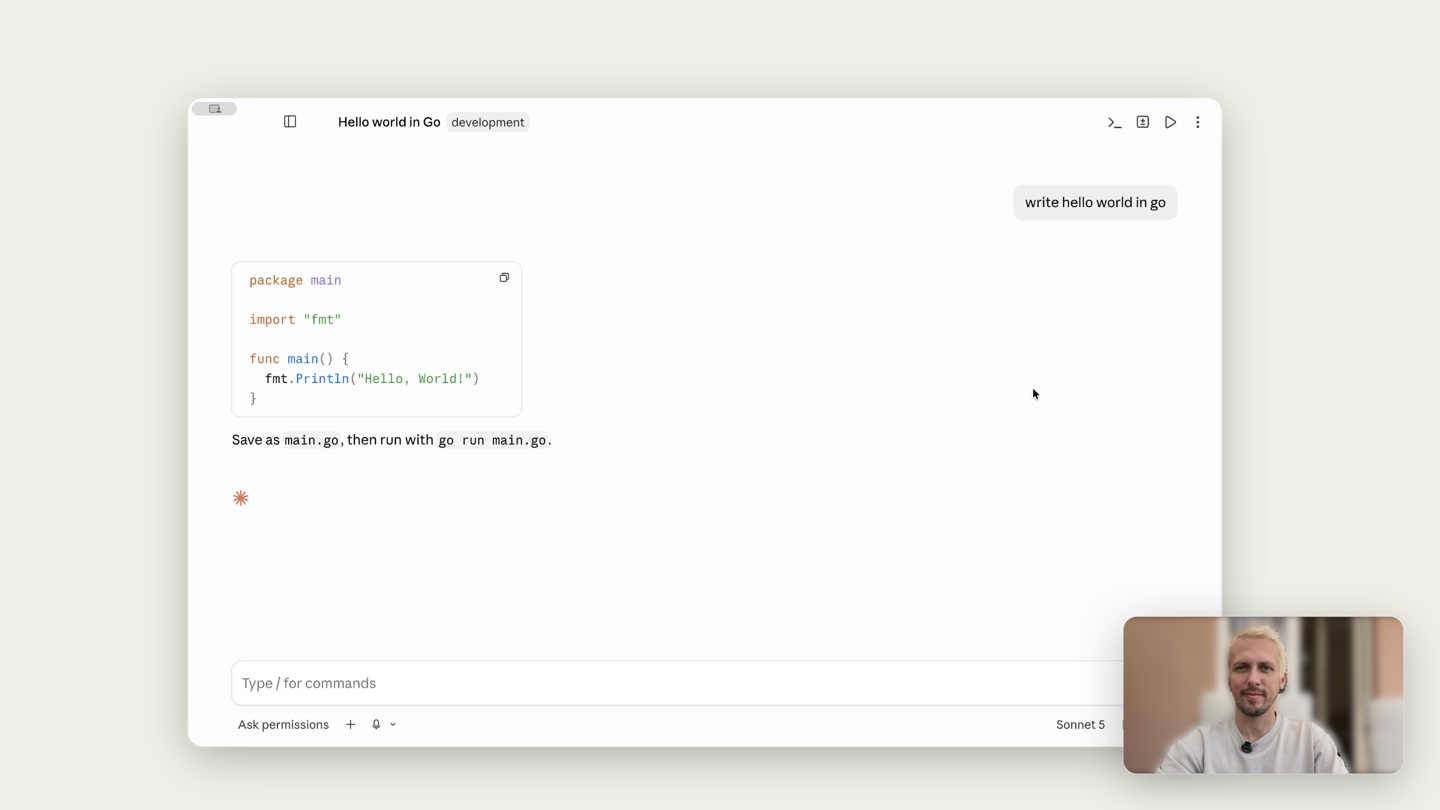
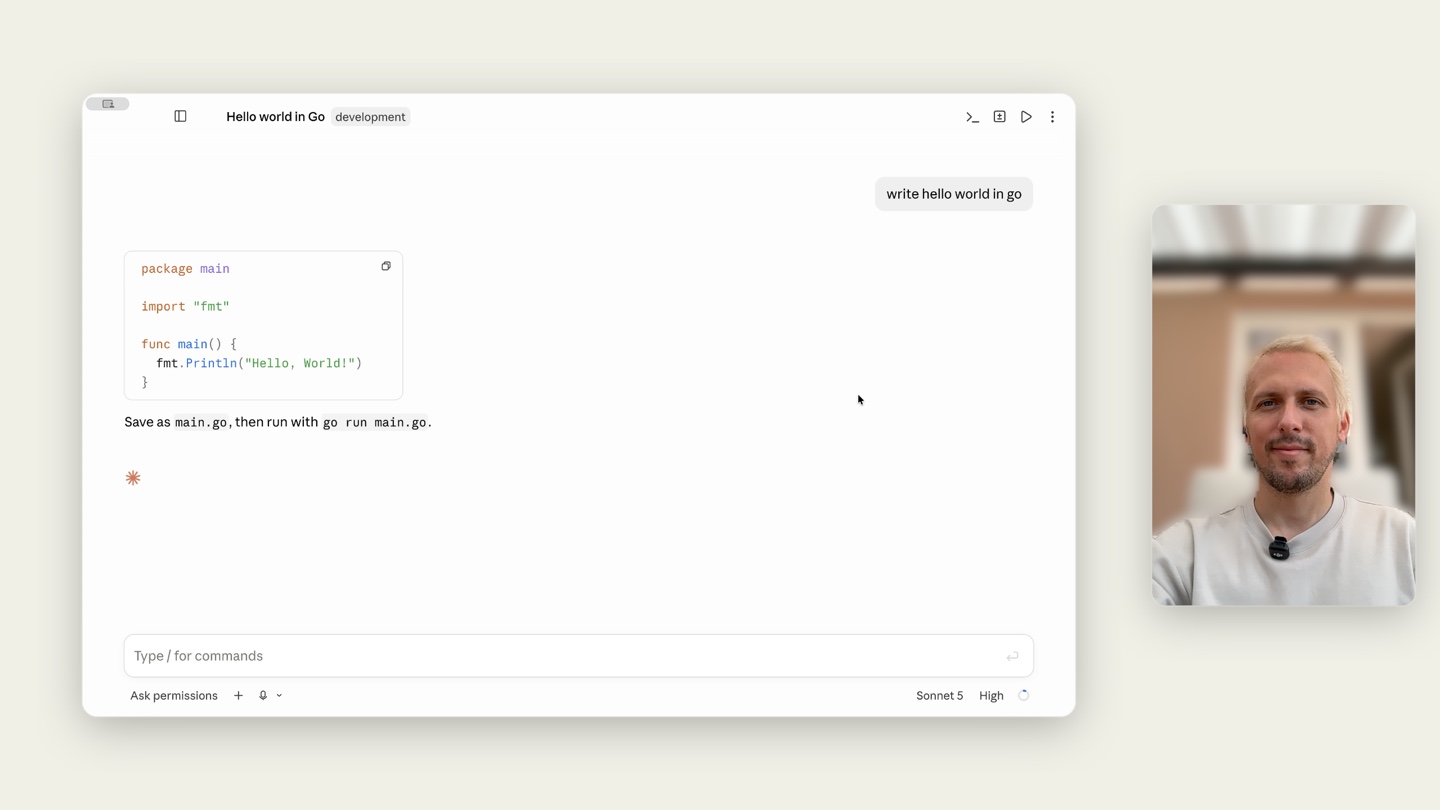
See it in action
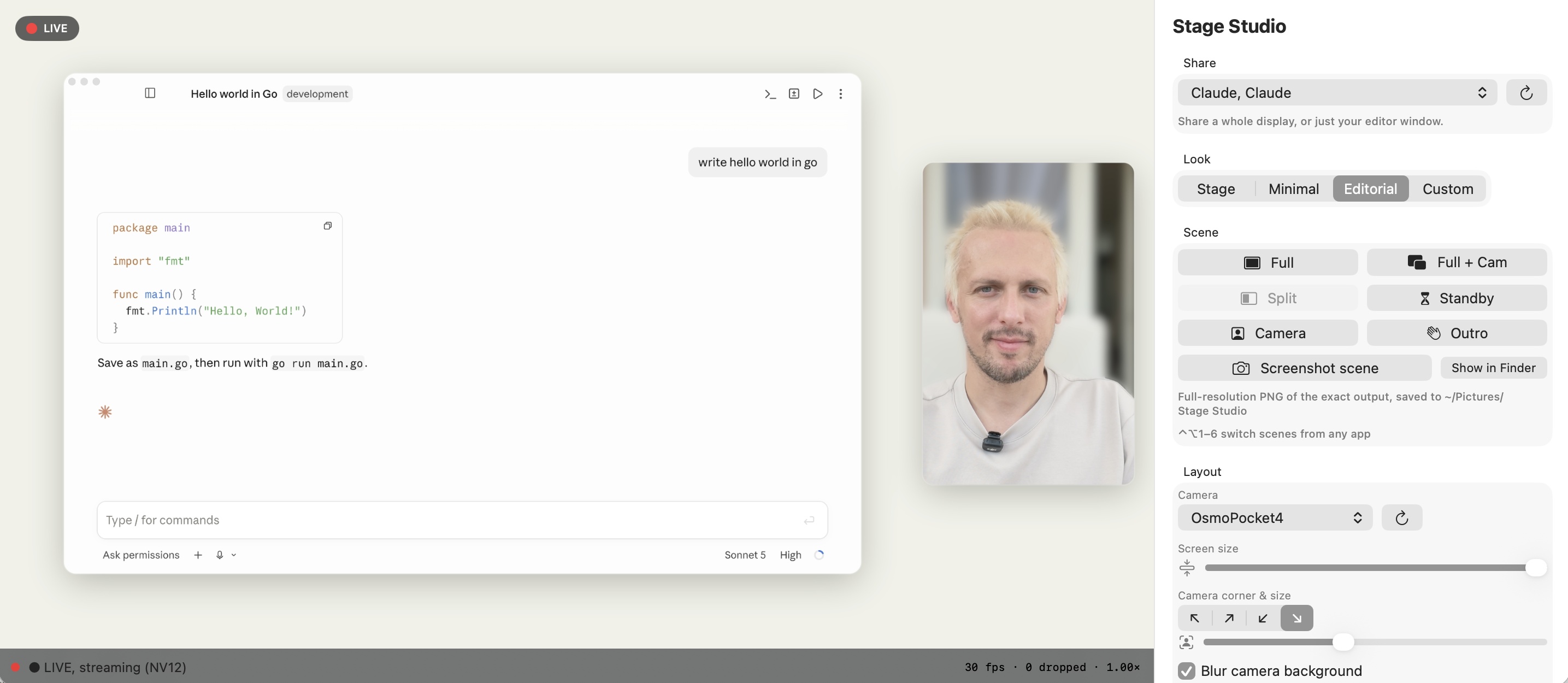
The whole studio, one window.
Drive your scenes, camera, audio and destinations from a single native panel, no tab-juggling.
Native macOS · Streaming studio
Stage Studio is a fast, native macOS streaming studio, a lightweight alternative to OBS. Composite your screen and webcam into keynote-grade scenes and stream to YouTube, LinkedIn, or any RTMPS destination, all encoded on Apple silicon's media engine.
See it in action
Drive your scenes, camera, audio and destinations from a single native panel, no tab-juggling.
What's inside
Composites on the GPU with Metal and encodes 1440p H.264 on the M-series media engine (VideoToolbox), so your CPU stays free for the actual demo and the fans stay quiet.
Full, Full + Cam, Split, Camera, Standby and Outro, each a composed shot with rounded stage framing. Cross-fade between them live.
YouTube and LinkedIn Live are one-paste setups; Twitch, X or any custom RTMP URL work the same. Go live to several at once (Pro) from a single encode, with a live health readout for fps, dropped frames and speed.
Hit Record and Stage Studio saves three tracks at once, your desktop clean, your webcam clean, and the finished stage feed you are streaming with your mic. Go live and still walk away with pristine footage to edit. It records with or without going live, and it's free.
On-device Vision person segmentation blurs whatever's behind you, your room stays yours. Toggle it on per stream, runs entirely on your Mac.
Three built-in Looks, a warm keynote set, a clean starfield, or an editorial paper set. Or go Custom (Pro) with your own background image or color and your accent. Saved across launches.
One toggle captures your system audio, a video you're reacting to, a demo with sound, music, and mixes it under your mic, in sync, into the stream and the recording. No loopback driver, no extra install.
A live mic level meter plus music for your Standby waiting screen, the built-in bed or your own mp3, mixed quietly under your voice and gone the moment you cut to a live scene.
⌃⌥1–6 flips scenes from any app, even mid-demo. Or nudge your mouse to the notch and a quiet scene bar drops down. No alt-tabbing back to the panel.
Drop in your own sponsor logo and a lower-third with your name, or leave it all off. Nothing is prefilled and nothing shows unless you turn it on.
Performance · measured, not promised
The H.264 encode runs on Apple silicon's media engine, so your CPU stays free for the actual work. A live reading while streaming.
Measured live on an Apple M4 Pro, 12-core CPU · 16-core GPU · 48 GB. The encode runs on the media engine on every Apple-silicon Mac, so lighter Macs trade a little headroom but keep the cores free for your demo.
Six scenes
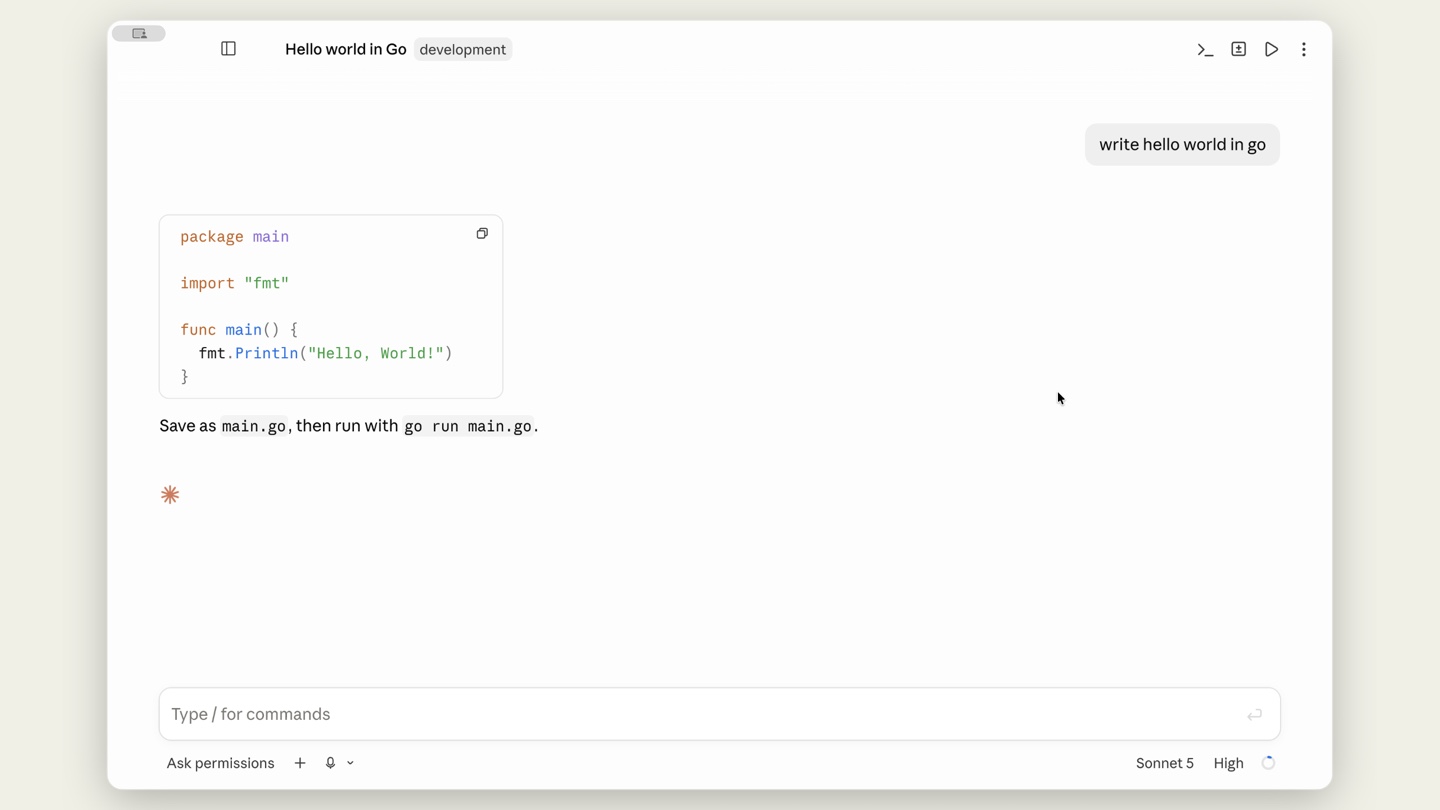
Every scene is pre-composed. Click, or hit a hotkey, and Studio cross-fades to the next one.

Notch-native control
Nudge your cursor to the top of the screen and the switcher drops out of the notch. Change scenes without leaving your slides, your browser, or your code. It floats above every app, never steals focus, and it's excluded from screen capture, so the control you reach for never lands on the broadcast.
Why Studio
It runs entirely on your machine, encodes on the Apple-silicon media engine, and streams secure RTMPS to wherever you go live. You own the app and the pixels.
Live in under a minute
Choose your camera and screen, drop into Full or Split, and tweak the look. Studio remembers your setup.
YouTube, LinkedIn, or any RTMPS URL. Studio handles the handshake, hardware encoding and bitrate for you.
Hit Go Live and watch the health readout. Switch scenes with ⌃⌥1–6 as you present.
Pricing
macOS 14+ · Apple silicon & Intel
Secure checkout · 14-day refund
Questions
Yes, download Studio and stream as much as you like. The free version adds a small "made and streamed with stagestudio.tv" watermark. A one-time $49 Pro upgrade removes it for good and unlocks multistream and Custom Look. No subscription, no per-stream fees.
macOS 14 Sonoma or later, on both Apple silicon and Intel. It composites on the GPU and hardware-encodes on the media engine, so an M1 handles 1440p at 30 fps without breaking a sweat.
No. Stage Studio pushes secure RTMPS to any destination. YouTube and LinkedIn Live are one-paste setups; Twitch, X, or a custom RTMP URL work the same way, just paste the URL and key.
Yes. Enable as many destinations as you like, Stage Studio encodes once on the media engine and fans that single stream out to all of them, so your Mac isn't doing extra work. The only limit is having enough upload bandwidth for each target.
Yes, and it's free. Stage Studio saves clean screen and webcam tracks as separate .mov files, and it records the finished composite feed you are streaming, with your mic. You go live and still walk away with the show as broadcast plus pristine source footage to edit later.
Stage Studio updates itself. It tells you the moment a new version is out and installs it with one click, no manual download or drag to Applications.
No. Everything Stage Studio needs ships inside the app, including its own streaming engine. Download the dmg, drag to Applications, and go live. No Homebrew, no ffmpeg, no terminal.
14-day refund, no questions asked. Stream a few sessions and decide.
Got an idea?
Missing a scene, a destination, or a shortcut? We read every email ourselves and build the ones that make streaming better.
Ready when you are
Download Studio free and go live in under a minute.
Free with a watermark · go Pro for $49 · macOS 14 Sonoma+ · Apple silicon & Intel